ChromeOS Flex: Could a Free OS and a £2.50 USB Stick Save Schools Thousands?
Schools across the UK are sitting on cupboards full of Windows 10 laptops that can’t run Windows 11. The hardware isn’t broken, it just doesn’t meet Microsoft’s TPM 2.0 and processor requirements. With Windows 10 end of support already behind us, those machines are now unpatched, increasingly vulnerable, and heading for the skip.
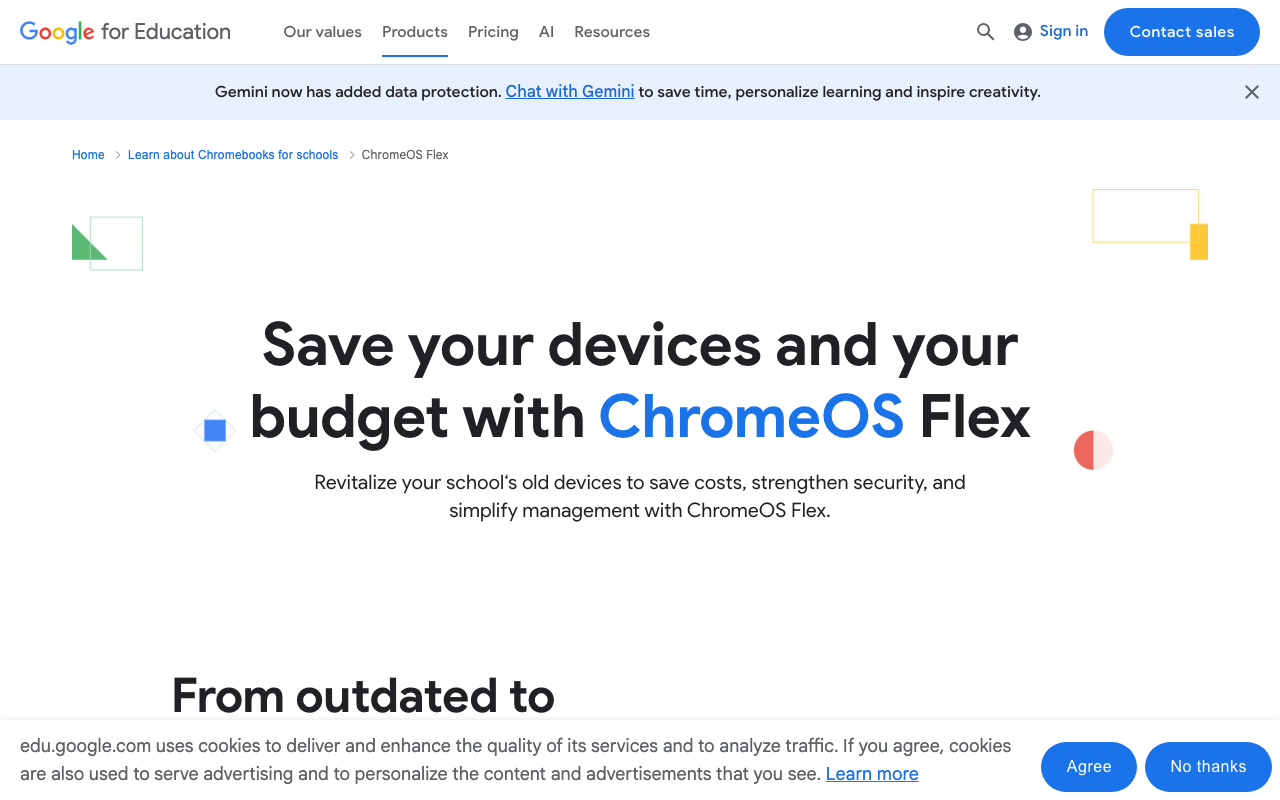
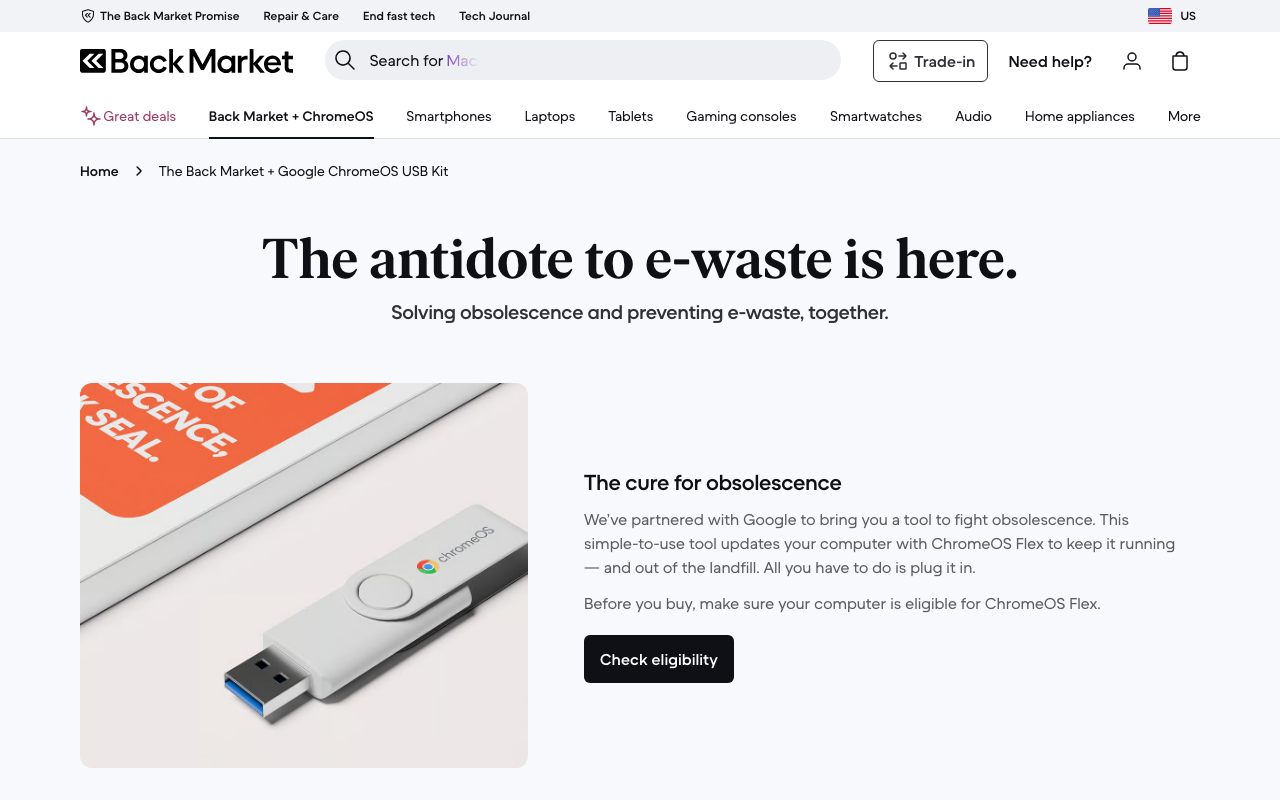
Google thinks there’s a better option. ChromeOS Flex is a free operating system that installs on existing PCs and Macs, turning them into something that looks and feels like a Chromebook. And now, through a partnership with Back Market, you can buy a ready-made USB kit for about $3 (roughly £2.50) that handles the installation. Plug it in, boot from USB, follow the prompts.
What ChromeOS Flex actually does
ChromeOS Flex replaces whatever operating system is on the machine and installs Google’s ChromeOS. The result is a device that boots quickly, runs a Chrome browser, supports web apps and Android apps, and gets automatic security updates directly from Google. It works on most laptops and desktops from 2010 onwards, though Google maintains a certified models list worth checking before you commit.
What you lose: the ability to run Windows .exe applications. That means no legacy Windows software, no desktop Office apps (though Microsoft 365 web apps work fine), and no specialist Windows-only tools. If your school relies on a Windows exam platform or a specific SEN application that only runs on Windows, those machines can’t be converted.
What you gain: a device that’s fast, secure, and manageable, running on hardware you’ve already paid for.
Why this matters for school budgets
The numbers here are hard to ignore. A school with 200 end-of-life Windows 10 laptops faces a choice: replace them at £300-500 each (£60,000 to £100,000), pay Microsoft for Extended Security Updates to keep Windows 10 patched, or find another way.
ChromeOS Flex is that other way, and it costs nothing for the OS itself. The USB kit from Back Market is reusable across multiple machines, so one kit can convert an entire fleet. Even if you factor in the Chrome Education Upgrade licence for management (more on that below), the per-device cost is a fraction of buying new hardware.
Google also claims ChromeOS Flex reduces energy consumption by an average of 19% compared to other operating systems on the same hardware. For a school running hundreds of devices, that’s a visible saving on the electricity bill over the course of a year.
Managed like a Chromebook, not a standalone experiment
This is the detail that makes ChromeOS Flex interesting for schools rather than just a hobbyist project. Devices running ChromeOS Flex can be enrolled in Google Admin Console and managed alongside your existing Chromebook fleet, with the same policies, the same app controls, and the same remote management capabilities.
If your school already uses Google Workspace for Education, these converted devices slot into your existing setup. There’s even an auto-enrollment feature that joins the device to your school’s domain automatically after installation, which makes deploying at scale realistic rather than a one-laptop-at-a-time effort.
You will need the Chrome Education Upgrade licence to get the full management features, including device policies, remote wipe, and kiosk mode. That’s a per-device cost, but it’s significantly cheaper than new hardware.
The nonprofit donation programme
Back Market is also running a donation programme offering free ChromeOS Flex USB keys to nonprofits, charities, and social enterprises that can’t afford to upgrade their hardware. Applications are open until 1 June, with deliveries expected later that month. Each key is reusable across multiple machines, so a single donation can convert an entire organisation’s fleet.
Schools themselves may not qualify (the programme targets nonprofits specifically), but school-linked charities and educational foundations might. Worth checking if your trust has a charitable arm.
The practical caveats
ChromeOS Flex isn’t a like-for-like Windows replacement, and pretending otherwise would be dishonest.
Software compatibility is the biggest barrier. If your school runs Windows-only applications (certain MIS platforms, exam software, specialist tools), those won’t work on ChromeOS. You need to audit your software stack before converting anything. The web versions of Microsoft 365 work well, but if teachers depend on desktop Word features like mail merge or advanced macros, they’ll notice the difference.
Not every machine will run it well. Google says most hardware from 2010 onwards is compatible, but “compatible” and “runs smoothly” aren’t the same thing. A laptop with 2GB of RAM from 2011 might technically install ChromeOS Flex but struggle with more than a few browser tabs. Realistically, machines with 4GB of RAM or more from roughly 2015 onwards are where you’ll get a good experience.
It’s still ChromeOS. If your school chose Windows or macOS for specific reasons (creative software, development tools, particular accessibility applications), those reasons don’t disappear because the OS is free. ChromeOS Flex is best suited for devices used primarily for browsing, Google Workspace, web apps, and simple classroom tasks.
The USB kit sold out quickly. The initial Back Market batch went fast. You can still download ChromeOS Flex for free and create your own installation USB using Google’s instructions, but it requires a bit more technical confidence than plugging in a pre-made stick.
Where this fits in a school’s device strategy
I don’t think ChromeOS Flex replaces a proper device refresh. Schools still need current hardware for demanding tasks, and the oldest machines in the cupboard aren’t going to become classroom workhorses just because you changed the operating system.
But for extending the useful life of machines that would otherwise be recycled, for equipping a library or a homework club, for providing spare devices that students can borrow, or for keeping a set of exam-room machines running securely without spending tens of thousands on replacements, it’s a genuinely useful option.
The security angle matters too. UK schools are heavily targeted by ransomware, and unpatched Windows 10 machines are an obvious weak point. ChromeOS Flex’s sandboxed architecture, verified boot, and automatic updates remove a significant chunk of that attack surface. For a school’s IT team, converting vulnerable Windows 10 devices to ChromeOS Flex might be as much a security decision as a budget one.
If you’ve got a stack of Windows 10 machines gathering dust, it’s worth trying ChromeOS Flex on a handful before you send them for recycling. The cost of finding out is essentially zero.