Microsoft Publisher End of Life: A School Guide
Microsoft Publisher has been the forgotten application in the Office suite for as long as I can remember. It hasn’t had a meaningful feature update in years. Most people in education technology circles probably couldn’t tell you the last time they opened it. But plenty of schools still use it, every single day, and many of them don’t realise it’s about to disappear.
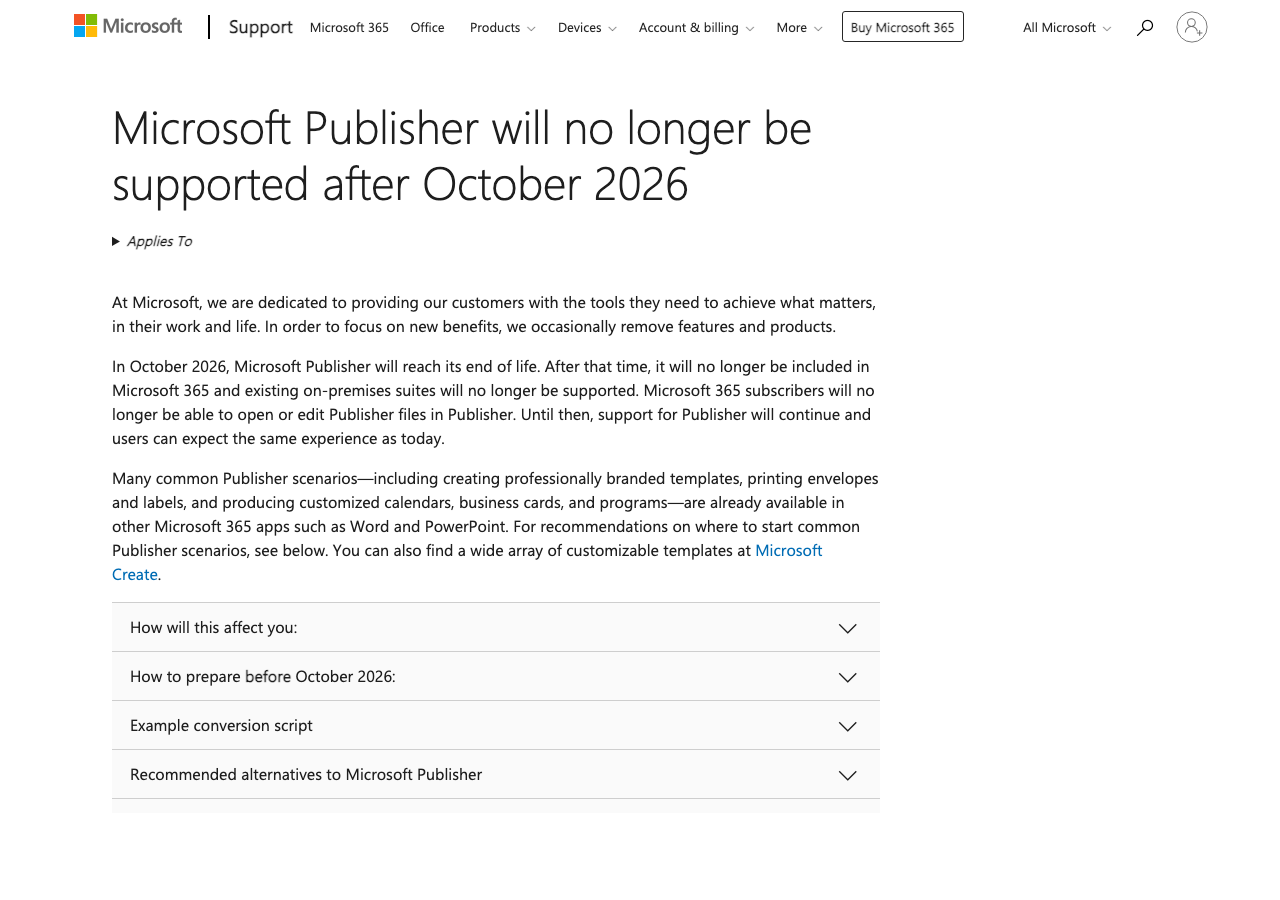
In October 2026, Microsoft is removing Publisher from Microsoft 365 entirely. Microsoft 365 subscribers will no longer be able to open or edit .pub files using Publisher. Existing on-premises suites, including Office LTSC 2021, will also lose support. If your school still has Publisher files in active use, you have about seven months to sort that out.
Who actually uses Publisher in schools?
More people than you might think. Publisher fills a specific gap that Word and PowerPoint don’t quite cover: desktop publishing with precise layout control. In schools, that translates to a few common scenarios.
The office manager who produces the weekly parent newsletter in Publisher because they set up the template six years ago and it works. Two columns, school logo in the header, consistent formatting every time. They know Publisher, they trust Publisher, and they’ve never had a reason to switch.
Teaching assistants and display coordinators who use Publisher for classroom displays, posters, and notice boards. Publisher handles mixed text and image layouts better than Word, and the print output is more predictable when you need an A3 poster from an A4 printer.
Exam officers and admin staff printing certificates, merit awards, and name labels. Publisher’s mail merge with precise positioning makes batch-printing certificates straightforward. Word can do mail merge (and if you’re also configuring Word for exam access arrangements, that’s another migration to plan), but getting the layout right for certificates is fiddlier than it should be.
None of these are glamorous use cases. But they’re real, they’re daily, and the people doing them will need an alternative by October.
What Microsoft recommends instead
Microsoft’s official line is that Word, PowerPoint, and Microsoft Create cover most Publisher scenarios. That’s broadly true, but it comes with caveats.
Word handles newsletters, labels, and mail merge. If your Publisher use is primarily text-heavy documents with simple layouts, Word is the natural replacement. It’s not a layout tool, though. Anyone who has tried to position images precisely in Word knows the frustration of text reflow and anchoring. For straightforward newsletters, it’s fine. For anything with complex multi-column layouts, expect an adjustment period.
PowerPoint is surprisingly capable for visual materials. Posters, banners, certificates, and display materials all work well in PowerPoint because it treats every element as a freely positioned object, much like Publisher does. You get precise control over placement, and the print output is reliable. For schools that use Publisher primarily for visual, print-ready materials, PowerPoint is arguably the better replacement. It’s also what most staff already know, which removes the training barrier.
Microsoft Create offers online templates for common document types, including newsletters, flyers, and certificates. It’s worth bookmarking for quick jobs, though it lacks the flexibility of a desktop application for anything custom.
For schools that need something closer to a true desktop publishing tool, Canva (which has a free education tier) and Affinity Publisher (a one-off purchase, no subscription) are both worth considering. But for most school use cases, the answer is already in your Microsoft 365 licence.
What to do now, not in September
The risk here isn’t that Publisher is being retired. It’s that schools won’t realise they depend on it until the application stops working. Someone will try to open the newsletter template in November and find that Publisher is gone from their machine.
Audit who’s using Publisher and what for. Send a quick email to office staff, TAs, and department heads. You might be surprised how many .pub files are in active rotation. Check shared drives and department folders for .pub files that people return to regularly.
Export existing files. Any .pub file that still has value should be exported to PDF (for archiving) or saved as a Word document (for continued editing). Publisher can do both from File > Save As. Do this while Publisher is still installed and working.
Bulk conversion. If you have a large number of .pub files across the school, Microsoft provides a PowerShell script (Convert-PubFileToPDF.ps1) that can batch-convert .pub files to PDF. It requires Publisher to be installed on the machine running the script, so run it before October. Point it at your shared drives and let it work through the backlog.
Rebuild key templates. Identify the five or ten Publisher templates that get used most often (the newsletter, the certificate, the display poster) and recreate them in Word or PowerPoint now. Don’t wait until October when the office manager needs to send the newsletter and has no template. Build the replacements while the originals are still available for reference.
Communicate the change. Let staff know this is coming. A brief note in a staff bulletin or a five-minute slot in an INSET day is enough. The people most affected are often the least likely to read Microsoft’s support announcements.
This was overdue, but the timing matters
Publisher’s retirement was inevitable. The application hasn’t kept pace with modern design tools, and Microsoft has clearly been investing elsewhere. I don’t think anyone in education technology will mourn its loss as a product.
But the timing means schools need to pay attention. October is the start of the autumn term’s busiest period: open evenings, parents’ evenings, mock exams, certificate presentations. If your school’s certificate template or newsletter layout is still a .pub file when Publisher disappears, you’ll be rebuilding it under pressure at the worst possible time.
Eighteen months’ notice (Microsoft announced this in early 2025) is reasonable. The bigger risk is the gap between Microsoft announcing something and the information reaching the person in the school office who actually needs to act on it. If you’re reading this and you manage IT or admin for a school, this is one to flag now rather than deal with later. The conversion work is straightforward. The only mistake is leaving it until Publisher has already gone.