SalamanderSoft: Keeping Your MIS and Cloud Platforms in Sync
If you work in school IT, you probably spend more time than you’d like creating user accounts. A new pupil joins mid-term, and someone has to set up their Active Directory account, assign Microsoft 365 licences, create their Google Workspace login, add them to the right year group and class distribution lists, and sync their timetable to their calendar. Then multiply that by a hundred at the start of September.
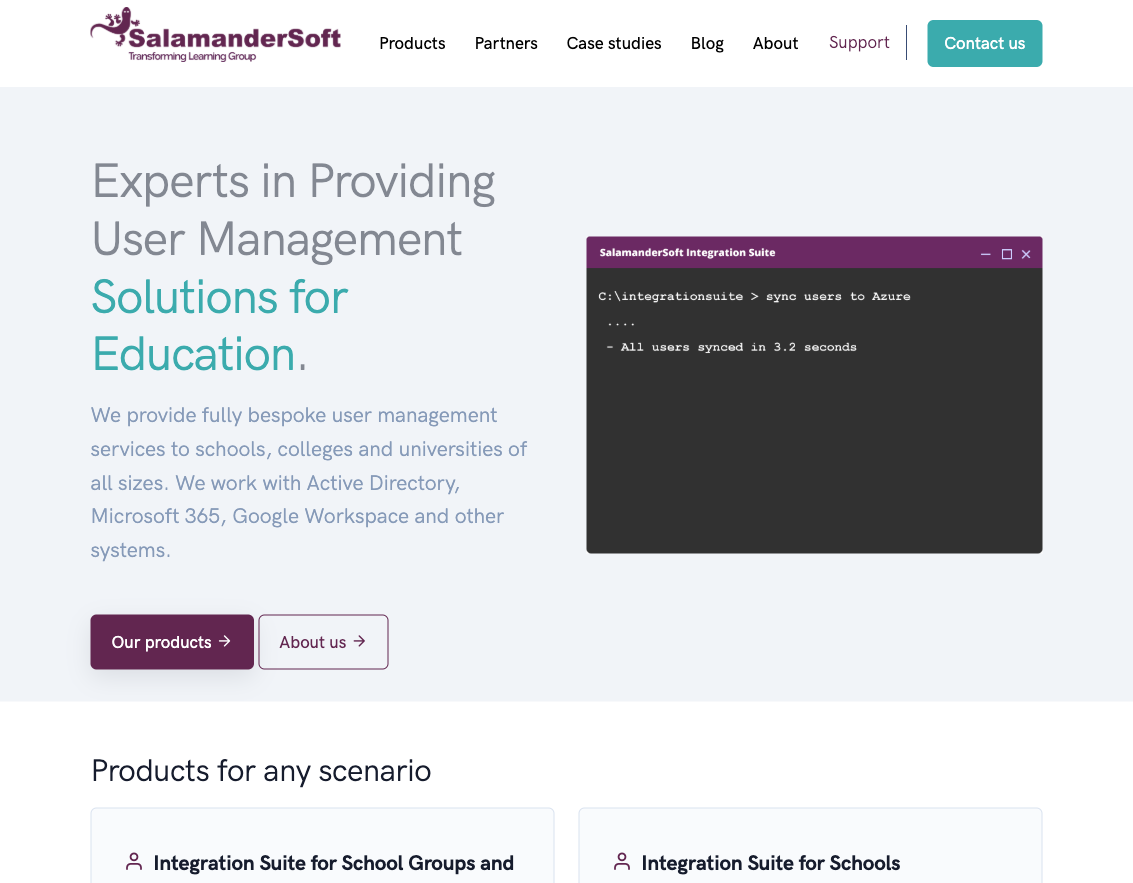
SalamanderSoft is one of those tools that sits quietly between your MIS and your cloud platforms, automating all of that. I’ve been aware of them for a while, but recently took a proper look at what they offer. For a company that’s been around since 2007 and claims over 4,000 schools across 35 countries, they’re surprisingly under-discussed in most edtech conversations.
What SalamanderSoft actually does
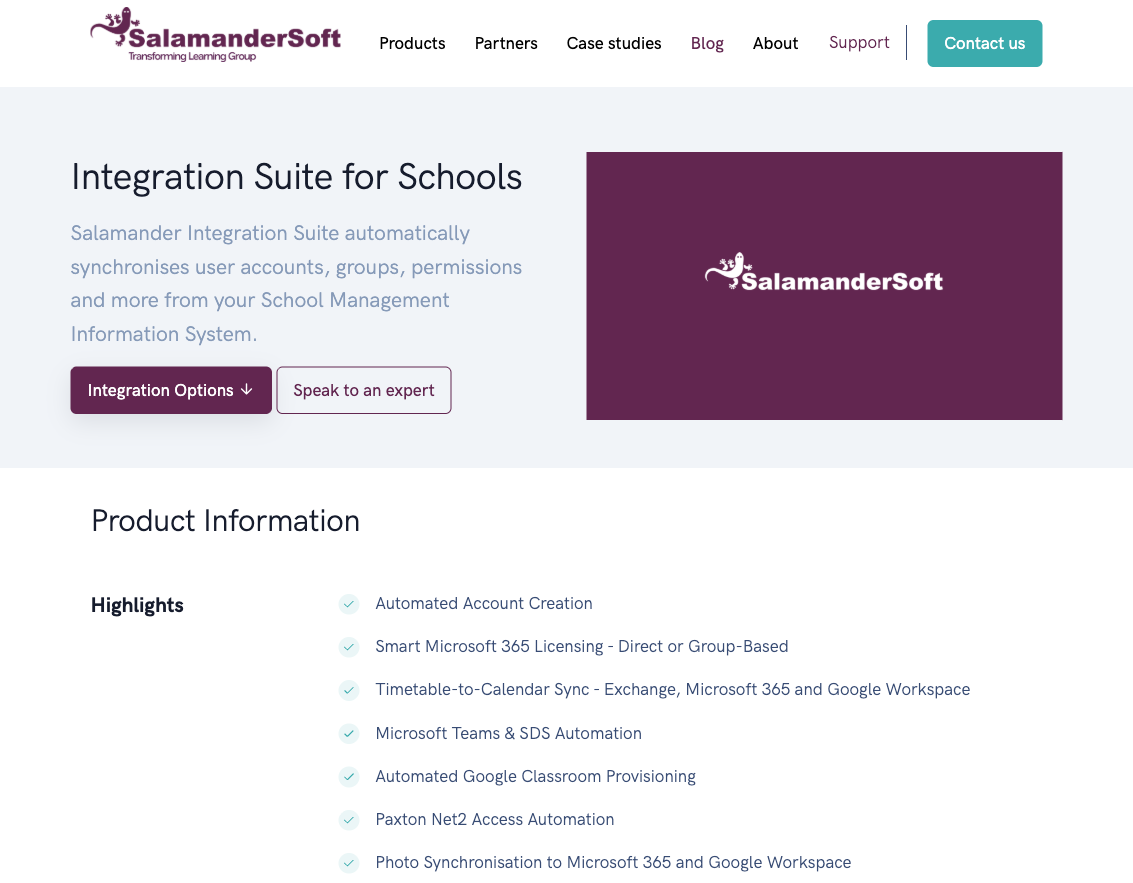
The core product is the Integration Suite. It connects to your school’s MIS and automatically synchronises user accounts, groups, permissions, photos, timetables, and classroom structures to whatever platforms you’re running. Microsoft 365, Active Directory, Google Workspace for Education, Apple School Manager, Exchange Server, Paxton Net2 door access, and Jamf School are all supported.
The idea is straightforward: your MIS is the single source of truth. When a pupil enrols, changes class, or leaves, SalamanderSoft picks that up and propagates the changes across your systems. Accounts get created with your naming conventions, licences get assigned, distribution groups get updated, Google Classrooms or Microsoft Teams get provisioned, and leavers get disabled. All without someone in IT manually doing each step.
MIS compatibility is broad
One of the things that stands out is the range of MIS systems they support. The list covers SIMS, Arbor, Bromcom, iSAMS, ScholarPack, SchoolPod, SchoolBase, PowerSchool, Cloud School, Integris, Civica REMS, Engage, IRIS Ed:Gen, Compass, Go 4 Schools, and HubMIS by WCBS. That’s essentially every MIS you’d encounter in a UK school, plus some international ones.
This matters because MIS migration is common right now. Schools moving from SIMS to Arbor or Bromcom need their user provisioning to keep working through the transition. A tool that supports both the old and new system makes that switch less painful.
What it costs
SalamanderSoft publishes its pricing openly, which is refreshing for edtech:
- Under 500 pupils: £562+VAT per year, with a one-off £250+VAT installation fee
- 500 to 1,999 pupils: £1,125+VAT per year, £450+VAT installation
- 2,000+ pupils: £2,249+VAT per year, £650+VAT installation
There’s an optional MIS writeback add-on (pushing data like email addresses back into the MIS) for £44 to £200+VAT per year depending on size.
For a typical primary school, that’s roughly £675 all-in for the first year and £562 annually after that. For a large secondary, around £1,575 in year one. Whether that’s good value depends on how much IT time your school currently spends on manual account management, but if it saves even a few hours per month, the numbers probably work.
They also offer a separate product for multi-academy trusts that handles provisioning across multiple schools centrally, which is where the real time savings likely compound.
The free utilities are worth knowing about
SalamanderSoft offers three free tools that are useful even if you don’t buy the full suite:
- SIMS Photo Exporter extracts pupil or staff photos from SIMS into a folder, handy for importing into other systems
- Salamander for School Data Sync mirrors MIS data into Microsoft 365 and Azure AD for account and classroom provisioning
- Salamander for Apple School Manager pulls data from your MIS and formats it as CSVs for Apple School Manager import
The School Data Sync tool in particular is a reasonable starting point if you want to test whether MIS-to-cloud automation would work for your school before committing to the paid product.
Honest questions worth asking
I haven’t deployed SalamanderSoft myself, so I can’t speak to the day-to-day experience. But there are some things I’d want to understand before recommending it.
How much control do you actually have? The product is described as a “fully managed service” where SalamanderSoft’s team handles configuration. That’s reassuring if you want experts doing the setup, but it could be frustrating if you need to make a quick change and have to go through support rather than tweaking a setting yourself. They do have a Cloud Portal for some self-service management, but the boundary between what you can do yourself and what requires their team isn’t entirely clear from the website.
What happens if it goes wrong? Automated user provisioning is powerful, but automated mistakes propagate fast too. If a MIS data error triggers account deletions or permission changes across your whole network, the blast radius is larger than a manual mistake would be. Understanding what safeguards and rollback options exist is important.
Lock-in and alternatives. Microsoft’s own School Data Sync does some of what SalamanderSoft offers for Microsoft 365, and Google has its own provisioning tools. SalamanderSoft’s advantage is cross-platform support and deeper MIS integration, but it’s worth comparing what you can get natively before paying for a third-party tool.
The team behind it. SalamanderSoft says they have 50+ specialists working exclusively on school data automation. That’s a meaningful team for a niche product, and the fact that they’ve been doing this since 2007 suggests staying power. But as with any specialist vendor, it’s worth asking what their roadmap looks like and whether they’re keeping pace with changes in the MIS and cloud platform space.
Who should look at this
If your school or trust spends significant IT time on manual user account management, SalamanderSoft is worth investigating. The sweet spot seems to be schools that use multiple cloud platforms (Microsoft 365 and Google Workspace, for instance) or multi-academy trusts where the same provisioning work is duplicated across many schools.
For a single-platform school with a straightforward setup, the built-in tools from Microsoft or Google might be enough. For anything more complex, or if your IT team is small and their time is better spent elsewhere, something like SalamanderSoft starts to make sense.
It’s the kind of infrastructure tool that nobody outside IT ever thinks about, but when it works well, it makes everything else in the school run more smoothly.